
Reports & Transactions
The Reports & Transactions section provides merchants and partners with full visibility into transaction activity, performance, and financial data.
What you can do:
• View and filter transactions
• Export transaction data instantly
• Generate downloadable reports for later use
• Monitor overall performance from the dashboard
Under the Reports section in the sidebar:
• Reports
• Transactions
• Reconciliation
This page covers Dashboard, Transactions, and Reports in detail.
Dashboard Page
First Login View
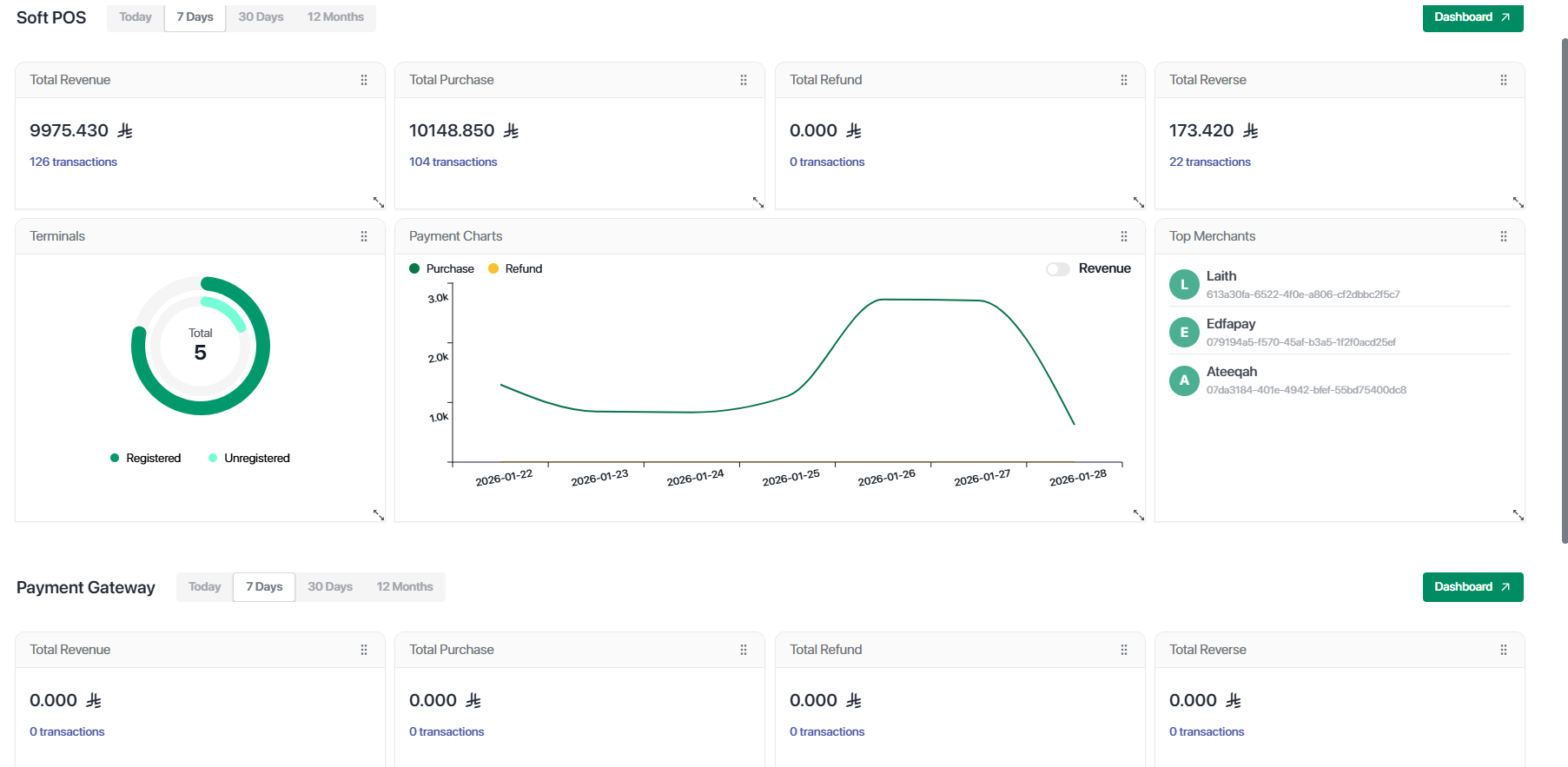
When a user logs in, the Dashboard Page is displayed by default.
The dashboard provides a high-level overview of transaction activity and performance.
Dashboard Widgets
Top Merchants (Under Partner)
Lists the top merchants based on transaction activity
Dashboard Customization
Dashboard View
Transactions Page
Overview
The Transactions page allows users to search, filter, review, and export transaction data.
🔍 Transaction Filters
Users can filter transactions using one or more fields at the same time.
- Purchase
- Refund
- Reverse
- Reverse Repeat
- Reconcile
- Reconcile Repeat
Multiple filters can be applied together to narrow down results.
Export Options
The Transactions page provides two export options:
• Exports the currently visible transaction list
• Uses the same applied filters
• File is downloaded immediately
• Uses the same filters applied in the Transactions page
• Generates a report that can be downloaded later
• Useful for large datasets or scheduled reporting
Easy investigation and transaction traceability
Reports Page
What You Can Do
The Reports page allows users to access previously generated reports.
From this page, users can:
- View generated reports
- Download reports again
- Track report status
Reports are generated based on filters selected from the Transactions page.
Key Benefits
Important Notes
Note:
- Filters apply only to data the user is authorized to see
- Exported data matches the applied filters exactly
- Dashboard widgets reflect real-time data
Updated 21 days ago