
Checkout Templates
The Checkout Templates page allows you to control how your payment page appears to customers.
Templates define the layout, structure, and overall user experience of the checkout process, helping you choose a design that best fits your business needs.
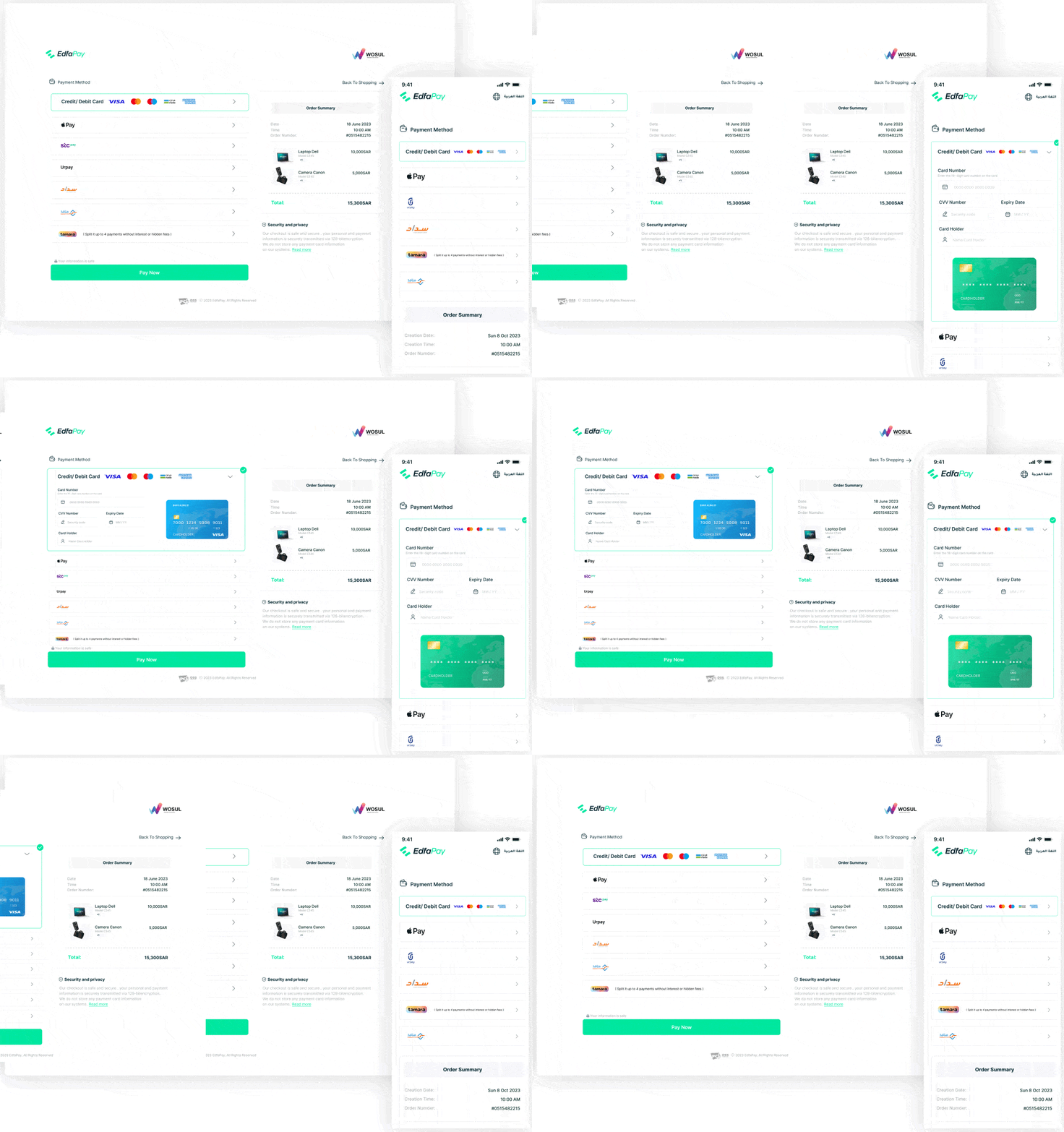
Available Templates
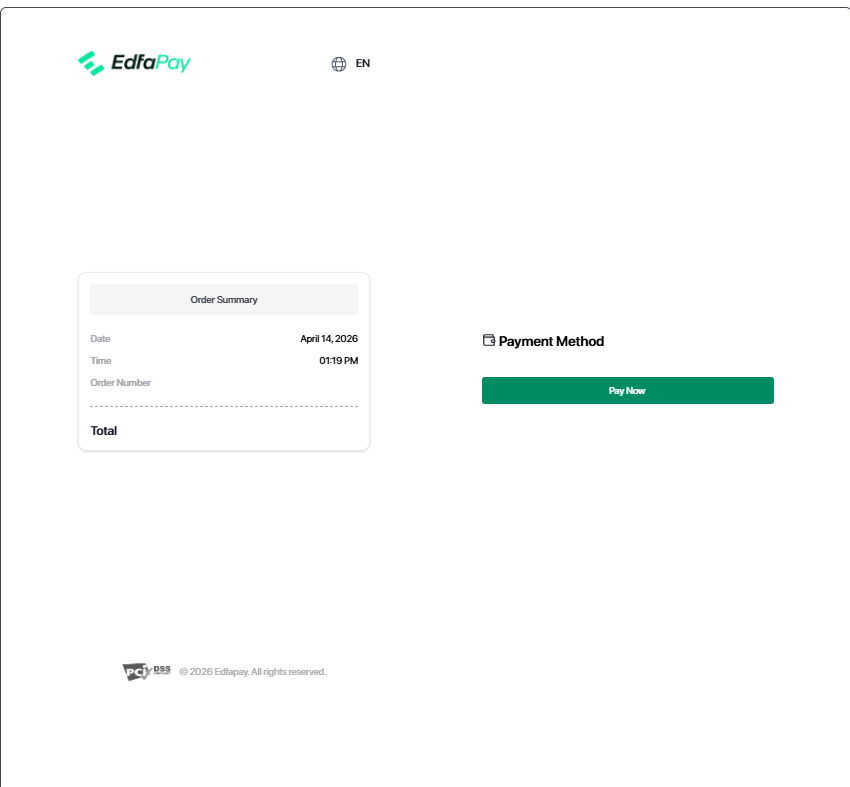
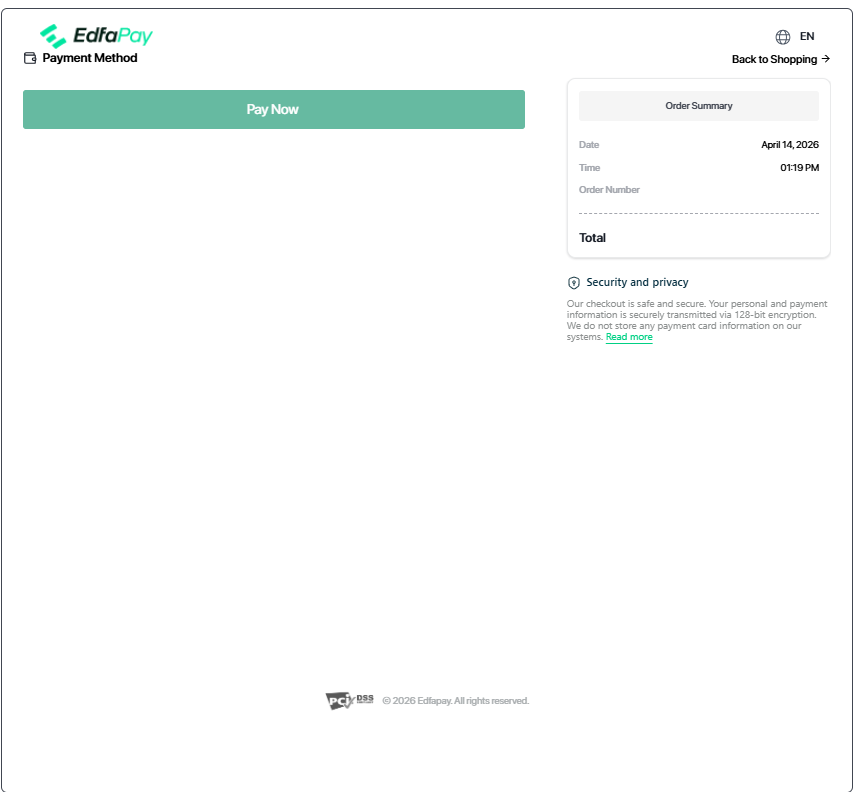
More checkout templates and layout options will be added in future updates.
Template Selection
Each template includes the following options:
Preview
View the template design before applying it.
Select
Apply the selected template as your active checkout design.
Previewing a template does not apply it or affect live transactions.
Important Notes
Only one template can be active per integration at a time.
Template changes are applied immediately after selection.
Updated 5 months ago
Did this page help you?